



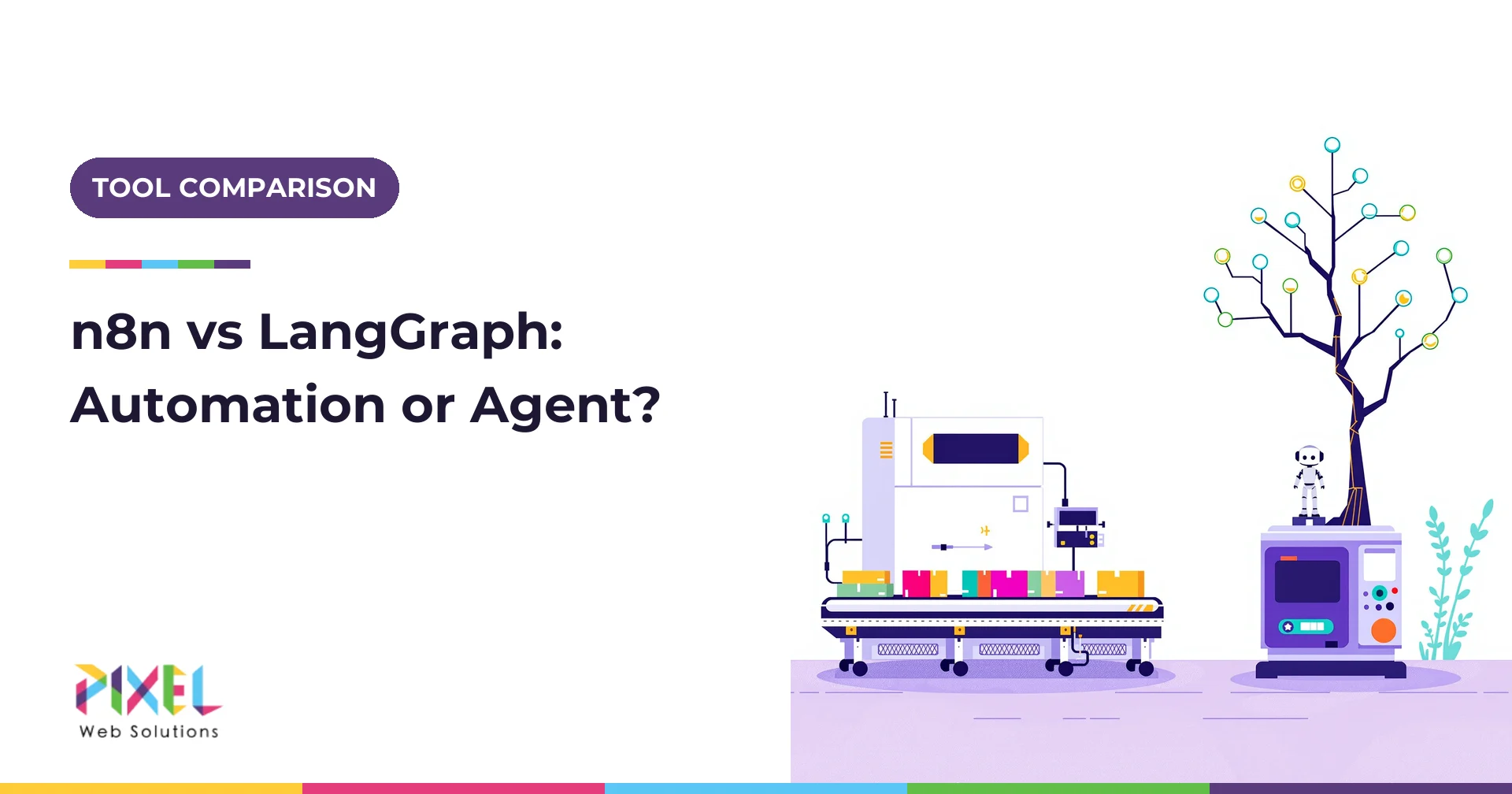
n8n vs LangGraph is really a choice between a visual workflow automation platform and a code library for building stateful AI agents. Choose n8n when the steps are known in advance and the hard part is connecting apps; choose LangGraph when the model must decide the next step, keep durable state across long tasks and pass automated tests. Their licences differ too: n8n uses the Sustainable Use License, while LangGraph is MIT, which matters if you plan to sell what you build.
Comparison posts on this topic tend to list features side by side. This guide answers the questions teams actually get stuck on: is your use case automation or a real agent, what the two licences allow, where each one can be hosted, what the same workflow costs to run on each, and how reliable each is in production. It also covers the related searches: n8n vs LangChain, LangGraph vs CrewAI vs n8n, and n8n vs Zapier vs Make.
Key Takeaways
- Different tools, different jobs. n8n is an automation platform with AI nodes; LangGraph is a developer framework for agent control flow and state.
- Licences decide commercial use. n8n's licence allows internal business use but not reselling n8n as a service; LangGraph's MIT licence allows almost anything.
- Model tokens dwarf platform fees. In the worked example, the agent design costs about five times more in tokens than the fixed workflow, while n8n's Pro plan costs EUR 50 a month billed annually.
- Reliability comes from design. LangGraph gives you checkpointed state and interrupts for human approval; n8n gives you retries, error workflows and approval steps without code.
- Many teams use both. n8n handles triggers and integrations, and a LangGraph service handles the reasoning.
n8n vs LangGraph at a Glance
| Factor | n8n | LangGraph |
|---|---|---|
| What it is | Visual workflow automation platform with AI agent nodes | Open source library for building stateful, multi-step agents as graphs |
| Who builds with it | Operations teams, technical marketers, developers | Python or JavaScript developers |
| Licence | Sustainable Use License (fair-code); .ee files need an Enterprise licence |
MIT |
| AI layer | AI nodes built on LangChain's JavaScript framework | Native; works with LangChain or any model SDK |
| State and memory | Execution data per run; memory sub-nodes on the AI Agent node | Checkpointed state per thread, resumable after restarts |
| Human approval | Approval steps and human approval for tool calls | Interrupts that pause a graph until a person responds |
| Hosting | n8n Cloud, or self-hosted | Your own servers, or LangSmith Deployment |
| Pricing model | Per workflow execution, regardless of steps | Free library; you pay for hosting, models and optional LangSmith |
| GitHub stars, October 2026 | About 207,600 | About 43,400 |
The one-line summary: n8n is the faster way to connect systems; LangGraph is the more controllable way to build reasoning.
Did You Build an Agent or a Fancy Script?
A common Reddit refrain about n8n "agents" is blunt: you did not build an agent, "you built a fancy script". The jab lands because many so-called agents are fixed sequences with an LLM call in the middle. That is not a criticism. Fixed workflows are cheaper, faster and more predictable, and they are the right answer for most business automation.
Anthropic's engineering guide to building effective agents draws the line clearly: workflows orchestrate models and tools through predefined code paths, while agents let the model direct its own process and tool use. Use these signals to decide which one you need.
| Signal | Automation is enough | You need an agent |
|---|---|---|
| Number of steps | Known in advance | Varies by case |
| Next step chosen by | Rules and branches | The model, based on results so far |
| Tools per run | Same tools every time | Picks from many tools |
| Duration | Seconds to minutes | Minutes to days, with waits |
| Failure handling | Retry, then alert | Re-plan, ask for information or escalate |
| Testing | Check outputs for known inputs | Evaluate success rates over many varied cases |
If most of your answers sit in the left column, build automation, and n8n will likely do it faster than any framework. If several sit on the right, you are building an agent, and the control LangGraph gives you starts to pay off. Pixel's guide to agentic AI for customer service shows the same test applied to support tickets.
Licences: Sustainable Use License vs MIT
This is the section most comparisons skip, and the one that can stop a product launch.
n8n: Sustainable Use License
n8n's licence lets you use, copy, modify and redistribute the software, with a key limitation: you may use or modify it "only for your own internal business purposes or for non-commercial or personal use". In practice:
- Allowed: running n8n to automate your own company's processes, self-hosted or in the cloud, and building workflows for clients that run in the client's own n8n instance.
- Not allowed without a commercial agreement: offering n8n itself as a hosted service to customers, or embedding it in a product you sell.
- Separate licence: source files with
.eein the name or directory are not under the Sustainable Use License and need an n8n Enterprise licence.
If you plan a SaaS product where customers build or run workflows inside your app, talk to n8n about an embed licence before you build.
LangGraph: MIT
LangGraph's MIT licence allows commercial use, modification, redistribution and embedding in closed-source products, provided you keep the copyright notice. LangSmith, the observability and deployment platform from the same company, is a separate paid product, and you do not need it to use LangGraph. CrewAI, often compared with both, is also MIT licensed.
| Question | n8n | LangGraph |
|---|---|---|
| Use internally for free? | Yes, self-hosted Community Edition | Yes |
| Build client workflows as an agency? | Yes, in the client's own instance | Yes |
| Embed in a product you sell? | Needs a commercial agreement | Yes |
| Offer as a hosted service? | No, without a licence | Yes, your own service |
| Modify the source? | Yes, within the licence limits | Yes |
This is a summary, not legal advice. Read both licences and take advice for commercial products.
Hosting Options and Data Control
Both tools can run entirely on your own infrastructure, which matters for teams in Germany and the UK with strict data residency needs.
| Option | n8n | LangGraph |
|---|---|---|
| Fully managed | n8n Cloud (Starter and Pro plans) | LangSmith Deployment cloud (Plus includes one free small serverless deployment) |
| Self-hosted, free | Community Edition | Any server running your graph, for example a Python web service with a Postgres checkpointer |
| Self-hosted, paid | Business plan (self-hosted only) and Enterprise | LangSmith self-hosted or hybrid on Enterprise |
| Scaling | Queue mode with workers on Business and above | Standard web service scaling; state lives in the checkpointer database |
n8n's hosting documentation covers Docker, queue mode and environment setup. LangGraph's persistence layer is what lets a self-hosted graph survive restarts and resume long-running threads.
Cost to Run: The Same Workflow on Both
Prices below are as of October 2026, from n8n's pricing page, LangChain's LangSmith pricing and Anthropic's model prices. Usage figures are labelled assumptions.
Scenario: support ticket triage, 10,000 tickets a month. Each ticket is classified, enriched from the CRM and either answered from the help centre, refunded under a limit or escalated.
Platform cost:
- n8n Pro: EUR 50 a month billed annually, which includes 10,000 workflow executions. n8n counts one execution per workflow run, however many steps it has. Monthly billing costs about 17 percent more.
- n8n Community Edition: free licence; you pay for a server, assume $40 to $100 a month (estimate).
- LangGraph self-hosted: free library on the same kind of server plus a Postgres database, assume $60 to $150 a month (estimate).
- LangGraph on LangSmith Deployment: metered in LangSmith units at $1 each. A dedicated deployment with 1 vCPU and 2 GiB running all month (730 hours) costs 730 x 0.0675 = $49.28 for compute and 730 x 2 x 0.009 = $13.14 for memory, before database charges. Observability on LangSmith Plus is $39 per seat a month.
Model cost (Sonnet 5.5 at $2 and $10 per million tokens):
- Fixed workflow: one classification call of about 3,000 input and 300 output tokens: (3,000 x $2 + 300 x $10) / 1,000,000 = $0.009 per ticket, so $90 a month.
- Agent design: about four model calls per ticket averaging 4,000 input and 400 output tokens: 16,000 x $2 + 1,600 x $10, divided by 1,000,000 = $0.048 per ticket, so $480 a month.
Build cost (industry estimate, not a quote): the fixed n8n workflow typically takes 20 to 60 hours to build and test; a LangGraph agent with evaluations, approval interrupts and deployment typically takes 150 to 400 hours. At $25 to $50 an hour, that is $500 to $3,000 against $3,750 to $20,000.
What the maths says: the platform choice moves the monthly bill by tens of dollars, while the architecture choice moves it by hundreds, because agents make more model calls. Build an agent only where its extra decisions earn that cost, such as resolving tickets a fixed flow would escalate.
n8n vs Zapier vs Make on pricing
The billing unit matters more than the headline price. Zapier counts tasks, and many actions cost more than one task; its Professional plan starts at $29.99 a month billed monthly for 750 tasks. Make charges credits per action, with 1,000 credits a month on its free plan. n8n charges per execution, regardless of step count. For a workflow with five actions run 10,000 times a month, that is roughly 50,000 Zapier tasks or Make credits, against 10,000 n8n executions.
Reliability and Operations
| Concern | n8n | LangGraph |
|---|---|---|
| Retries | Per-node retry settings | Your code, or node-level retry policies |
| Error handling | Error workflows that trigger on failure | Exceptions handled in code; graph can route to recovery nodes |
| Long waits | Wait nodes and webhooks | Interrupts with checkpointed state; resume days later |
| Human in the loop | Approval steps; human approval for AI tool calls | Interrupts that pause and resume on human input |
| Version control | Workflows stored as JSON; Git-based version control on Business and above | Plain code in Git, with code review and CI |
| Testing | Evaluations in the editor (metric-based evaluations on Pro and above) | Unit tests plus evaluation suites, for example in LangSmith |
| Concurrency | 5 concurrent executions on Starter, up to 50 on Pro | Limited by your infrastructure |
| Observability | Execution logs; self-hosted instances can send traces to LangSmith | Tracing through LangSmith or your own tooling |
On reliability, n8n vs LangGraph is a closer contest than the licence and hosting questions. Stability is now good on both sides. LangGraph reached version 1.0 in October 2025 with a commitment to no breaking changes until 2.0. n8n's AI nodes implement LangChain's JavaScript framework, and its newer standalone agents feature is still marked as preview in its agent documentation.
The Same Workflow Built in Both
Here is the ticket triage and refund flow from the cost example, built each way.
In n8n
- Trigger: a webhook from the help desk on each new ticket.
- CRM lookup: an HTTP or CRM node fetches the customer and order history.
- Classify: an AI node labels the ticket (question, refund, complaint, other) with a JSON schema.
- Switch node: routes by label.
- Question path: an AI Agent node with a help centre search tool drafts an answer (the same retrieval-augmented generation pattern used in support chatbots); a confidence check sends low scores to a person.
- Refund path: an IF node checks the amount against a $100 limit; above it, an approval step waits for a manager.
- Act: the refund node calls the payments API; a final node updates the ticket.
- Error workflow: any failure posts to the support channel with the execution link.
Strengths: built in a day, readable by the operations team, and every integration is a drag-and-drop node. Limits: branching logic grows into a large canvas, and testing many varied cases is harder than in code.
In LangGraph
The same flow becomes a graph with typed state, nodes for each step, conditional edges and an interrupt before any refund above the limit.
from typing import TypedDict
from langgraph.graph import StateGraph, START, END
from langgraph.types import interrupt

class Ticket(TypedDict):
    text: str
    customer: dict
    label: str
    refund_amount: float
    approved: bool
    reply: str

def classify(state: Ticket):
    return {"label": llm_classify(state["text"])}

def approve_refund(state: Ticket):
    if state["refund_amount"] > 100:
        decision = interrupt({"ask": "Approve refund?", "amount": state["refund_amount"]})
        return {"approved": decision == "yes"}
    return {"approved": True}

graph = StateGraph(Ticket)
graph.add_node("lookup", lookup_customer)
graph.add_node("classify", classify)
graph.add_node("answer", answer_from_help_centre)
graph.add_node("approve_refund", approve_refund)
graph.add_node("refund", issue_refund)
graph.add_edge(START, "lookup")
graph.add_edge("lookup", "classify")
graph.add_conditional_edges("classify", lambda s: s["label"],
    {"question": "answer", "refund": "approve_refund", "other": END})
graph.add_edge("approve_refund", "refund")
graph.add_edge("answer", END)
graph.add_edge("refund", END)
app = graph.compile(checkpointer=postgres_checkpointer)
Helper functions such as lookup_customer and issue_refund are your own code. Strengths: the refund pause survives restarts because state is checkpointed, every path is testable in CI, and the graph can grow into a real agent that re-plans when a lookup fails. Limits: it needs developers, and you build integrations that n8n gives you as nodes.
n8n vs LangChain, LangGraph vs CrewAI
n8n vs LangChain. LangChain is a library of model, retrieval and tool abstractions; n8n uses LangChain's JavaScript framework under its AI nodes. Comparing them is like comparing a car to its engine. If you want code-level control of prompts and retrieval, use LangChain or LangGraph; if you want those capabilities as nodes in a visual workflow, use n8n.
LangGraph vs CrewAI vs n8n. CrewAI organises agents as role-based "crews" that collaborate on tasks, which is quick to prototype for research and content work. LangGraph gives lower-level control over each step and its state, which suits production systems with strict requirements. n8n sits outside both as the automation layer that can trigger either.
| Tool | Best for | Licence |
|---|---|---|
| n8n | Integrations, scheduled and event-driven automation, simple AI steps | Sustainable Use License |
| LangGraph | Production agents with durable state, approvals and tests | MIT |
| CrewAI | Fast multi-agent prototypes with role-based collaboration | MIT |
| Zapier and Make | Non-technical teams automating SaaS apps in the cloud | Proprietary |
Decision Tree: Which Should You Choose?
Work down the tree and stop at the first match.
- Are the steps the same for every run?
- Yes: use n8n (or Zapier or Make if no one on the team will touch self-hosting).
- No: continue.
- Does the model only need to choose between two or three known paths?
- Yes: use n8n with an AI classification step and branches.
- No: continue.
- Must the task pause for hours or days, or resume after failures without losing state?
- Yes: use LangGraph.
- No: continue.
- Will you sell this as part of a product, or embed it for customers?
- Yes: use LangGraph, or agree commercial terms with n8n.
- No: continue.
- Do you need automated evaluation in CI before every release?
- Yes: use LangGraph.
- No: start in n8n, and move the reasoning into a LangGraph service when the canvas becomes hard to maintain.
The hybrid pattern is often the best of both: n8n receives the trigger and handles integrations, calls a LangGraph service over HTTP for the reasoning, then completes the actions with its own nodes.
How Pixel Web Solutions Can Help
Pixel Web Solutions builds both sides of this choice: workflow automation where fixed steps are enough, and production agents where they are not. Its AI agent development services cover LangGraph agents with checkpointed state, human approvals and task-level evaluation, while its AI software development services cover integrations, self-hosted deployments and the services that connect automation tools to your systems.
For teams still deciding where AI fits, its broader AI development services start with process mapping and a build plan, and companies turning an internal agent into a product can work with its AI SaaS development team, which also helps with the licence questions above. Pixel operates from Ras Al Khaimah, UAE and Madurai, India. To get a recommendation for your workflow, contact the Pixel Web Solutions team.
Frequently Asked Questions
Is n8n free for commercial use?
You can use the self-hosted Community Edition free for your own internal business processes, including commercial companies. You cannot offer n8n as a hosted service or embed it in a product you sell without a commercial agreement, and .ee features need an Enterprise licence.
Is LangGraph free?
Yes. LangGraph is open source under the MIT licence, free for commercial use. You pay for your own hosting and model usage, and optionally for LangSmith, which offers observability from $39 per seat a month on its Plus plan and metered managed deployments.
Can n8n build real AI agents?
Yes. n8n's AI Agent node lets a model choose tools in a loop, with memory and human approval for tool calls. It suits agents with a modest number of tools and steps. For long-running agents with complex state and automated evaluation, a code framework like LangGraph gives more control.
Is LangGraph better than CrewAI?
Neither is better in general. CrewAI is quicker for role-based multi-agent prototypes. LangGraph gives finer control over each step, durable state and interrupts, which most teams prefer for production systems. Both are MIT licensed.
n8n vs Zapier vs Make: which is cheapest?
It depends on workflow length. Zapier bills per task and Make per credit, so every step counts, while n8n bills per workflow execution regardless of steps and can be self-hosted free. For long workflows at volume, n8n is usually the cheapest of the three.
Can I use n8n and LangGraph together?
Yes, and many teams do. n8n handles triggers, integrations and simple steps, then calls a LangGraph service over HTTP for decisions that need reasoning and state. Self-hosted n8n can also send traces to LangSmith alongside your LangGraph traces.
Do I need LangSmith to use LangGraph?
No. LangGraph runs anywhere Python or JavaScript runs, with your own database for checkpoints. LangSmith adds tracing, evaluation and managed deployment, which many teams find useful but which is optional.
The n8n vs LangGraph decision gets simple once you answer one question honestly: does the model need to decide the steps? If not, n8n builds it faster and cheaper. If it does, LangGraph gives you the state, approvals and tests a real agent needs, and the hybrid of both is often the most practical route.